Software Engineer | (VR) Unity Developer | Designer


I'm a passionate software engineer specializing in Unity development and VR/MR applications. With expertise in creating immersive virtual environments and interactive systems, I bring ideas to life through code and creativity.
Stay too long in an enemy's vision cone and you'll be caught. Choose your mask wisely, time your movements carefully, and navigate the security systems to complete your mission.
Created for Global Game Jam 2026 with the theme "Mask", Bypass Protocol is a VR stealth game where masks are your key to survival. Use an Anti Face Recognition Mask to hide from security cameras, or put on a policeman outfit.
Navigate through the level using the right mask for the right enemy, or rely on traditional stealth mechanics by hiding behind objects and staying out of sight.
Developed by Mario Schwarz and Calvin Hofmann during the 48-hour game jam, combining creative interpretation of the theme with engaging VR gameplay.
View on Global Game Jam
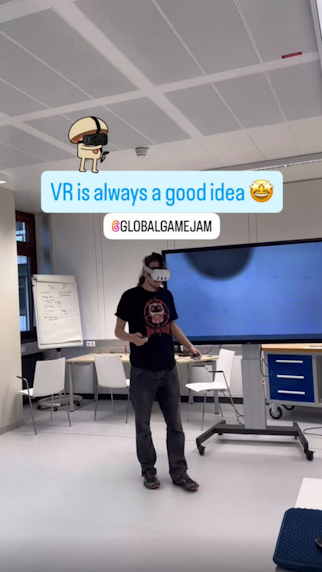
Presenting the game infront of peers. Source: @globalgamejam Instagram account
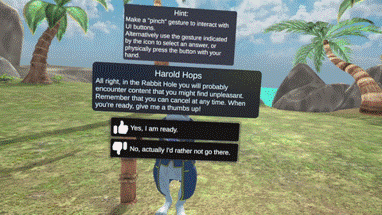
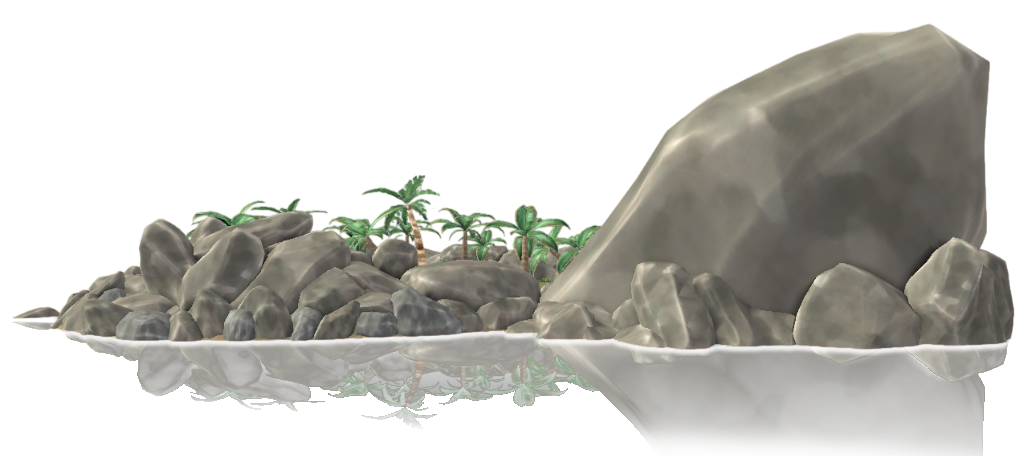
Down the Rabbit Hole is a educational journey inside the TURTLE (Virtual Reality Learning Environment) app. Starting on turtle island, you have the option to explore one of 4 different experiences. After completing the introduction, follow the rabbit to reach rabbit island. Here you can finally descend into a cave that represents a "rabbit hole". The world is designed as a chain of linked environments, from bright coastal scenes to a dimly lit cave environment, symbolizing the depths of an extremist echo chamber.
The experience is built in Unity 2022.3 with the Universal Render Pipeline, the Meta XR All in One SDK, and targets the Meta Quest 3 family. Careful use of baked lighting, custom water and boat motion scripts, optimized shaders, a waypoint system for the rabbit guide Harold Hops and a localized dialogue system with AI generated voices keeps the application visually rich while still running smoothly on standalone VR hardware.

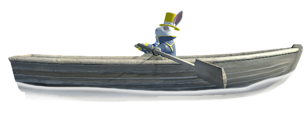
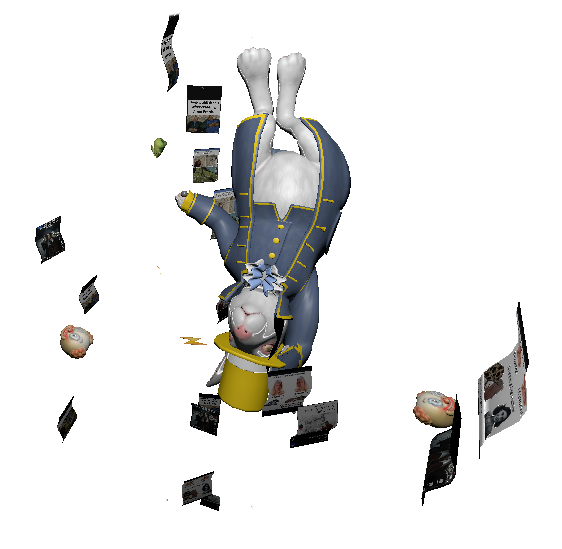
After descending "down the rabbit hole", the cave sequence turns the world into a visual metaphor for social media echo chambers. Real but anonymized extremist posts are projected as floating social feeds, surrounded by interactive elements like educational pins and holographic commenters. Players get educated about how conspiracy narratives, hidden symbols and hate speech can appear in social media.
Guided by Harold Hops and AI voiced narration, players react to content with hand tracked swiping, grabbing, thumbs up and thumbs down gestures. They investigate hidden codes and solve a codeword puzzle in order to free themselves of the rabbit hole. The VR experience is designed to teach about everyday media use, support digital literacy, critical thinking and awareness of extremist symbolism in social networks.
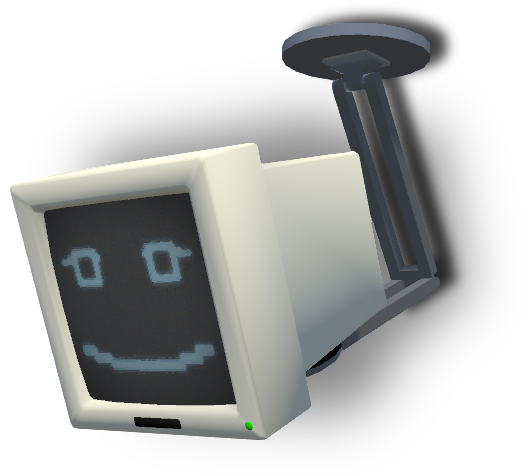
The main goal of this project was to get students to interact with each other in an online Virtual Reality world, discussing different topics in a foreign language they are learning. The project was made in Unity with Photon for multiplayer networking. Two different environments were created to host different discussion topics, with one scenario focusing on production sustainability and one on fairness in public transit.
Students first enter a main lobby area where they can specify a room number to host or connect to, to meet up with their assigned discussion partners. Here they also get to choose which of the two discussion environments they want to enter.
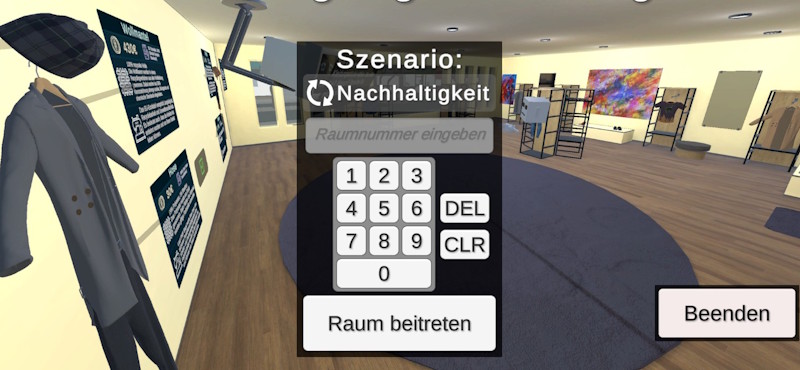
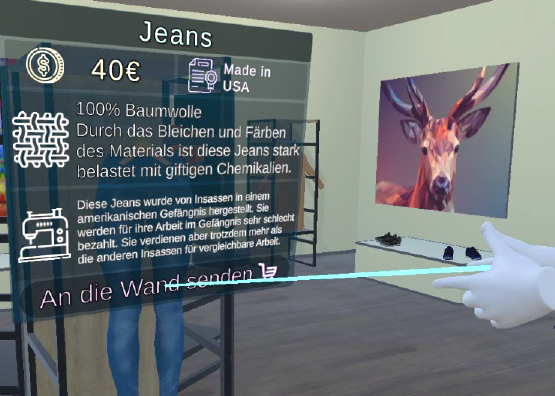
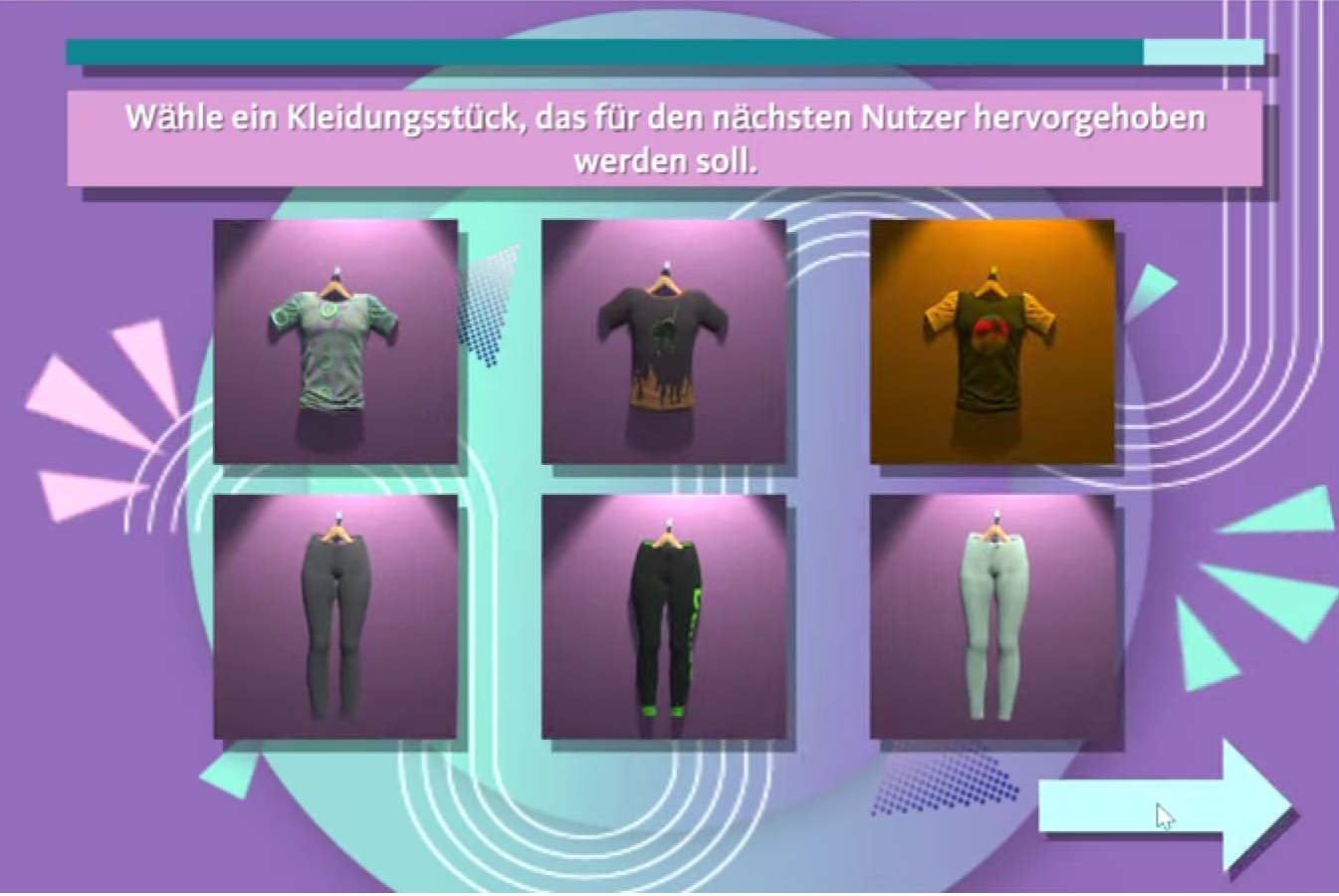
In the sustainability scene, students are tasked with exploring a clothing store and discussing the sustainability aspects of different outfits they can choose from multiple individual clothing pieces.
The public transit scene makes the students part of a city council meeting where they have to discuss different problems individuals are facing with public transit in their city and propose solutions to improve the situation.
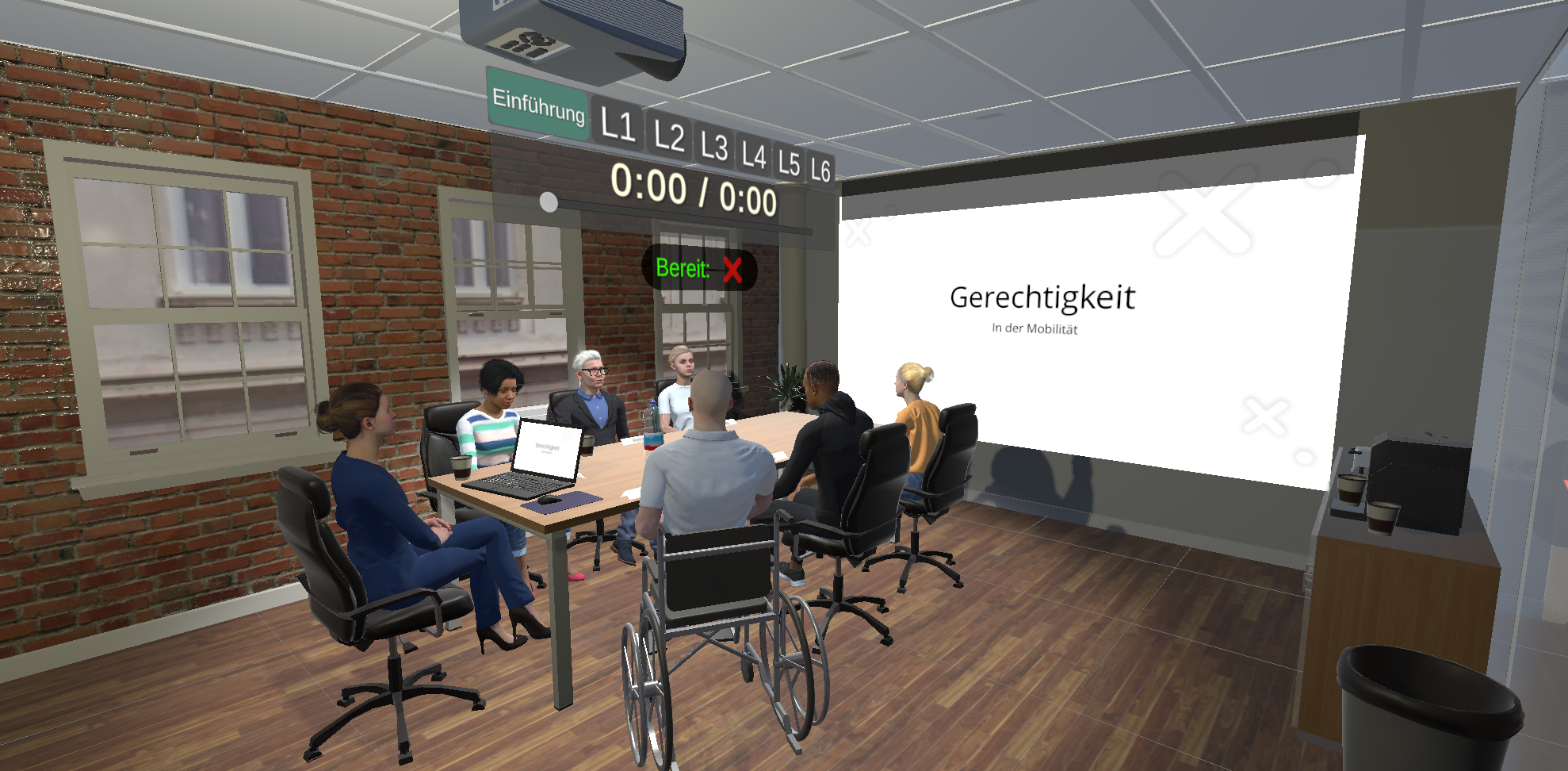
During our master's program in software engineering, we felt that learning from powerpoint slides provided by some of the teachers was somewhat of a lacking experience and we wanted a more fun and engaging way to learn from powerpoint slides. For this problem we had the idea to build an automated pipeline that turns powerpoint slides into interactive presentations for one of the courses in our master's program. This project built with Unity is the result of this course, made by Mario Schwarz and David Flaig. During the time the project was made, there was no access to GPT-4 or similar models with integrated image recognition, or an AI voice API, so we had to build a custom pipeline that combined multiple services to achieve our goal.
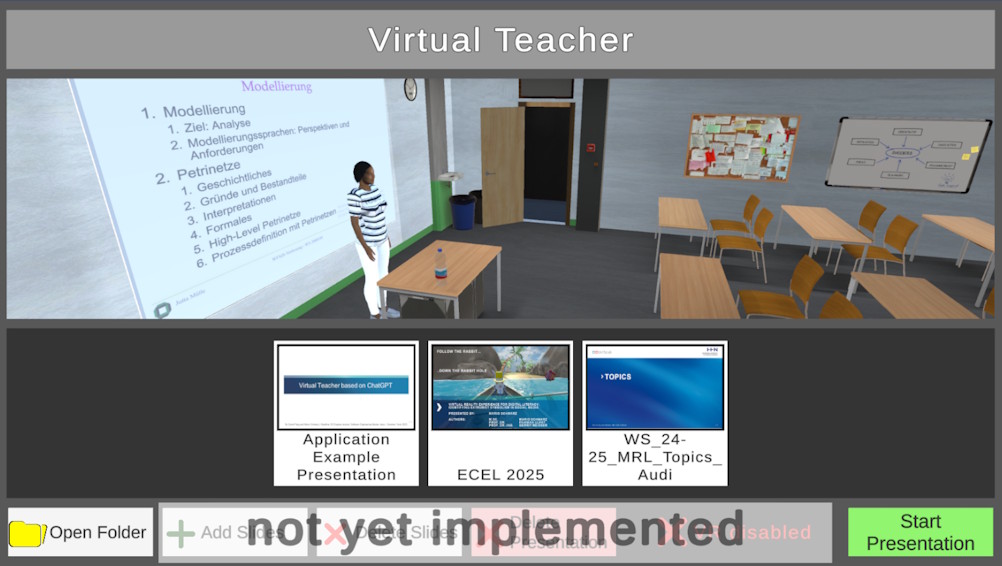
Upon opening the application you are met with a menu to select which presentation you want to start. Each presentation is represented by a folder of slide image exports from Powerpoint and saved with all other presentation specific data. The pipeline starts with Tesseract as an OCR plugin to read the text from the slides, which is then sent together with a prompt to ChatGPT to generate a text that can be spoken by our virtual teacher. This text is then sent to the ReadSpeaker API (deprecated, replaced with Elevenlabs), which streams the audio back into the application. The audio is synchronized to the lip movements of the teacher with the Unity SALSA Lip Sync plugin. All data generated by this pipeline is cached so that presentations can be viewed multiple times without running the pipeline again.
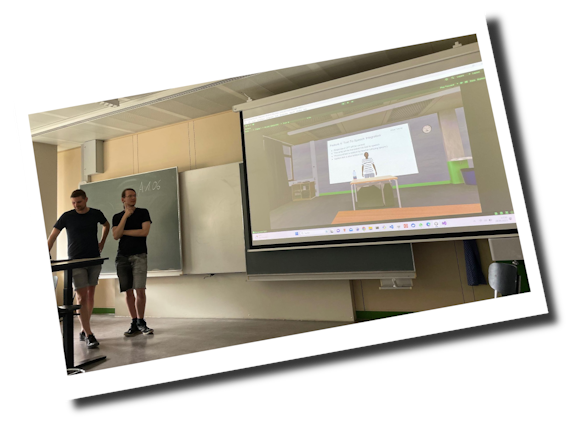
The following video shows an example presentation generated with this pipeline that we used to let our project present itself in our final project presentation slot.
We're watching while the program presents itself.
As part of an exhibition developed for the Experimenta Science Center in Heilbronn, Germany, this VR experience placed users in the role of a fashion store salesperson. They interacted with virtual customers and delivered one of many randomized clothing items based on what the customers asked for. The experience was designed to explore themes of personal taste and influences in decision-making.
The experience was built with Unity and deployed on the Vive Focus 3 with an accompanying computer for lag-free wireless streaming and a database. The setup also provided a main screen that displayed what the user was seeing in VR for exhibition visitors to watch, while playing a preview video when no user was in the VR headset. A tablet in front of the booth showed how to use the application, while another tablet at the exit collected user feedback and controlled the nudging effects of the experience.
The application asked users to retrieve several different clothing articles from the back of the store, based on vague descriptions from virtual customers. The user's own taste was challenged by subtle nudging effects implemented in the application, such as different lighting effects and guiding elements like arrows, outlines, and other effects. After the application, they could even select their favorite nudging effects to show for the next user. The usage data was collected anonymously in the database for research on decision-making processes. However, the data was not retrieved for analysis, as too little usage data was collected due to a lack of personnel watching over the booth and keeping it open.
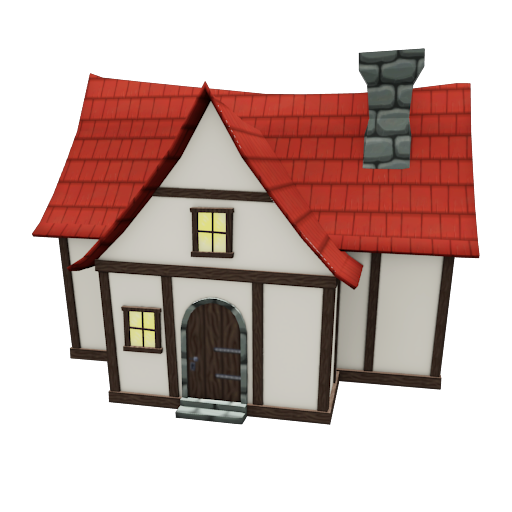
This was a personal hobby project I started to learn about real-time strategy game systems and networked multiplayer architecture. Built entirely in Unity, the project features a custom tick-based simulation system that handles game logic updates independently from rendering, to enable consistent gameplay across different frame rates and sending snapshots over the network. It's also a good start for a replay system.
The vision for this project was ambitious: to create a cross-platform PC and VR strategy game that would combine the accessibility of traditional RTS gameplay with the immersive experience of VR. Imagine commanding armies from a desktop perspective, but also being able to join as a god-like VR avatar that can physically pick up units and cast spells with hand gestures - capturing that unique feeling from games like Black & White.
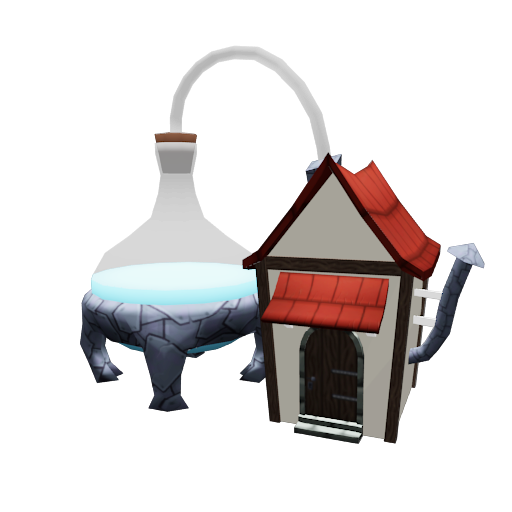
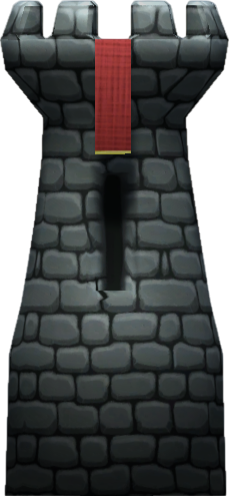
One of the core features I developed was an intuitive building system where players can construct defensive structures and connect towers with walls using a simple click-and-drag interface.
While I was making good progress on the territory system and setting up the UDP-based networking infrastructure for multiplayer, other workloads eventually took priority and the project was put on hold. Despite being unfinished, it served as an excellent learning experience in game architecture, 3D modeling, networked game systems, and the challenges of cross-platform development.
In this game, players are challenged to destroy waves of enemies using only a single bullet. The twist is that your whole spaceship works like a magnet. The bullet can be launched and repelled away from the ship with the left mouse button or space. It can also be pulled back in using the right mouse button or ctrl. This means the ships position is relevant even when the bullet is already traveling, so players have to consider a tradeoff between focusing on dodging enemy fire and aiming their single shot. When you get close to the bullet, it will attach back to the ship and wait for you to repell it again.
The game was built in Unity as an entry for a software engineering bachelor's program course that is similar to a game jam. The main goal was to learn about game design principles and rapid prototyping. The course only lasted about 4 days and started with the prompt "Only One ___". I created all code and assets from scratch, aside from the music and sound effects which are made by Ville Mönkkönen.
The game is controlled via:
Proceedings of the 24th European Conference on e-Learning (ECEL), Vol. 24 No. 1
doi.org/10.34190/ecel.24.1.4194International Conference on Human-Computer Interaction (HCI International), Springer
doi.org/10.1007/978-3-031-35741-1_20